It is late, the neighbors are home, and the film keeps moving between whispered dialogue and loud effects. Raising the television volume solves one problem and creates another. In an apartment, a useful soundbar should make normal listening easier at the volumes you can actually use. Maximum output and an enormous subwoofer are often beside the point.
Begin with three facts: the outputs on your television, the clear space in front of it, and the problem you want to fix. Dialogue that is hard to follow is a different brief from wanting a more immersive film experience. This guide uses official product information and practical setup advice; it does not claim measured sound quality or hands-on comparisons.
Look behind the television first
Find the exact TV model and read its connection labels. HDMI ARC or eARC is a specific function, not a feature of every HDMI socket. Optical is another common audio output with different capabilities. Photograph the labels and check the television manual rather than guessing from the shape of a connector.
Also identify what feeds the television: a streaming device, games console, cable box, or its built-in apps. Sound-format support depends on the whole chain, including the content and TV settings. A Dolby Atmos label on a soundbar does not guarantee every program plays in that format. Buy a compatible setup before buying a format badge.
| Priority | Start by checking | Avoid assuming |
|---|---|---|
| Clear speech at modest volume | Dialogue and night controls | That more bass fixes voices |
| Simple television control | TV output and remote support | That any remote works automatically |
| A compact cabinet | Width, height, and ventilation | That the bar clears the TV’s screen |
| More immersive film audio | The complete format chain | That every streaming title is compatible |
Two compact approaches
Sonos Beam (Gen 2): for a TV setup built around HDMI audio. The official Beam page lists HDMI eARC and describes Speech Enhancement and Night Sound. Those controls address useful apartment concerns: making speech easier to follow and reducing the intensity of loud effects. Sonos also describes Dolby Atmos support, subject to compatible content and connections. Check your television and source requirements before treating that as the reason to spend more.
Sonos Ray: for a compatible optical-output television. Sonos explains that Ray connects through optical, uses the Sonos app for setup, and works with a compatible infrared-enabled TV remote. It also offers Speech Enhancement and Night Sound. That makes Ray a relevant option when optical is the sensible connection and you want a straightforward television upgrade. It is less appropriate if your buying plan depends on HDMI eARC or a more elaborate format feature set.
Neither example means that every apartment needs a Sonos system. These are two real products that make the connection decision concrete. Compare the exact configuration with your TV, and look elsewhere if the app or network requirements do not fit your household.
Measure the furniture, not just the bar
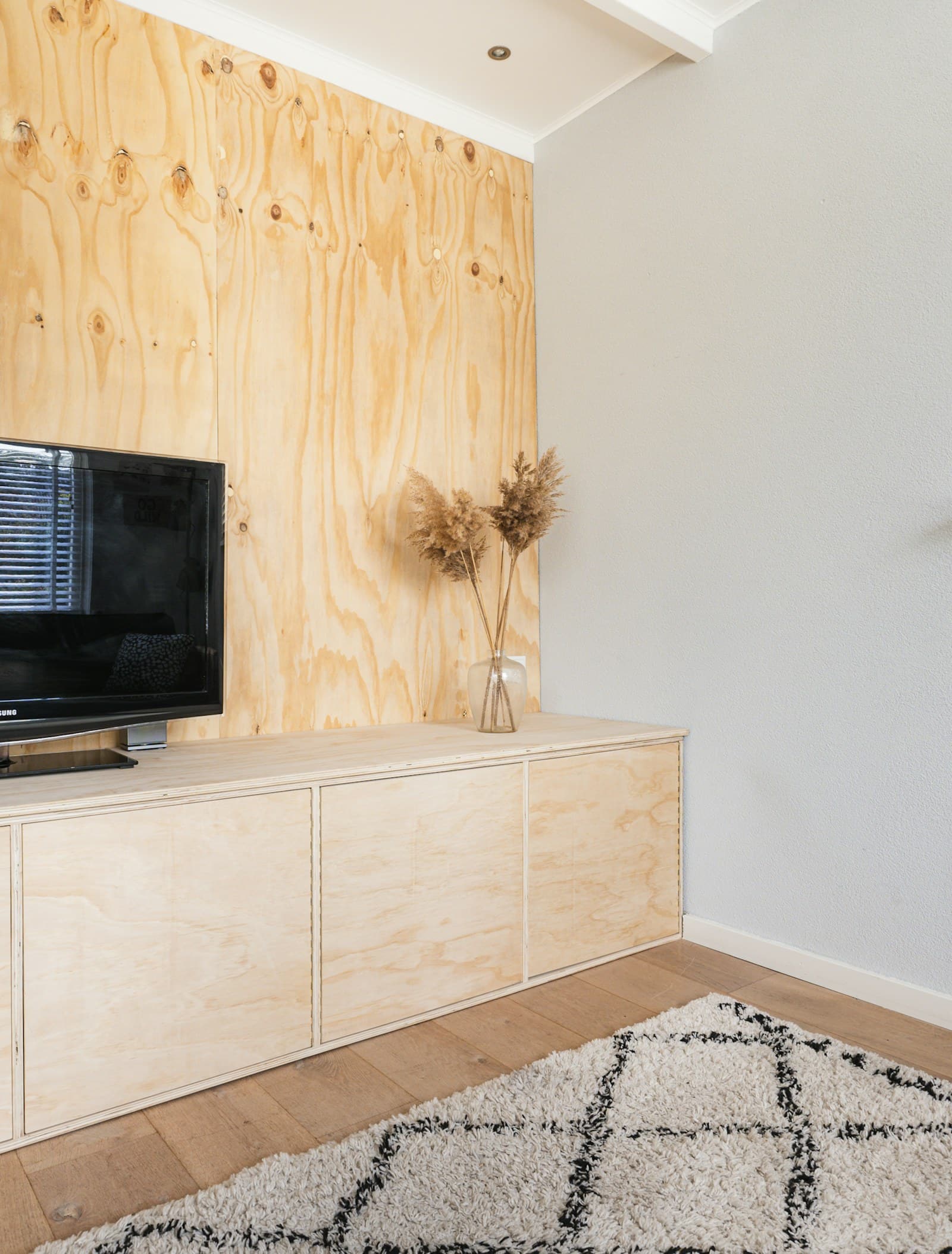
Use the manufacturer’s current dimensions against the cabinet and TV stand. Check height as carefully as width: a bar can obscure the lower screen or remote receiver even when it fits between the stand’s feet. Leave access to connections and respect the maker’s placement and ventilation instructions.
Do not assume wall mounting is the default improvement. It can require a separate bracket, suitable fixings, landlord permission, and a sensible cable route. A stable cabinet placement is often simpler. If mounting is necessary, account for the television’s existing installation rather than improvising an attachment to furniture.
Treat the first evening as setup time
Start with your normal television program and the volume you ordinarily use. Enable the relevant dialogue mode and compare whether it improves intelligibility for you. Then try night settings on something with changing loudness. These are preference and setup checks, not a reason to publish claims about measured performance.
If you hear an echo, check whether the television speakers are still active. If speech and lips do not align, examine the TV and source audio settings and follow the support instructions. Return to basic stereo output when troubleshooting a format-chain issue, then enable supported features deliberately. Randomly changing every setting makes the cause harder to identify.
What not to buy immediately
Wait on a subwoofer and rear speakers. Spend a normal week learning whether the main bar solves your actual problem. Bass-heavy upgrades can complicate neighbor relations without improving speech. Surround speakers add placement, outlets, and household obstacles that a compact-room purchase was supposed to avoid.
Likewise, do not automatically replace functioning HDMI cables or buy an expensive optical cable for appearance alone. Check the specific connection requirements and use a suitable cable. If the soundbar doubles as a music system, verify support for your service and the household’s control preferences. Our small-room speaker guide helps distinguish background music needs from television needs.
Frequently asked questions
Will a soundbar fix every unclear soundtrack?
No. Mixing choices, hearing needs, room acoustics, and the original source all matter. Dialogue enhancement and subtitles are useful tools; buying hardware does not guarantee that every voice becomes easy to understand.
Does night mode make a soundbar silent for neighbors?
No. It can reduce differences between loud effects and quieter content, but sound still travels. Keep volume considerate and assess your own building rather than relying on a feature name.
Should I choose HDMI or optical?
Choose according to your TV and required features. HDMI ARC or eARC can offer a different control and format path; optical can suit a simpler compatible setup. Check both product manuals before ordering adapters.
Explore a compatible option
Explore Beam at Sonos or explore Ray at Sonos. Confirm the exact model, required connections, current accessories, and return terms. Clear dialogue in your actual room is a better goal than the largest system your shopping cart can hold.