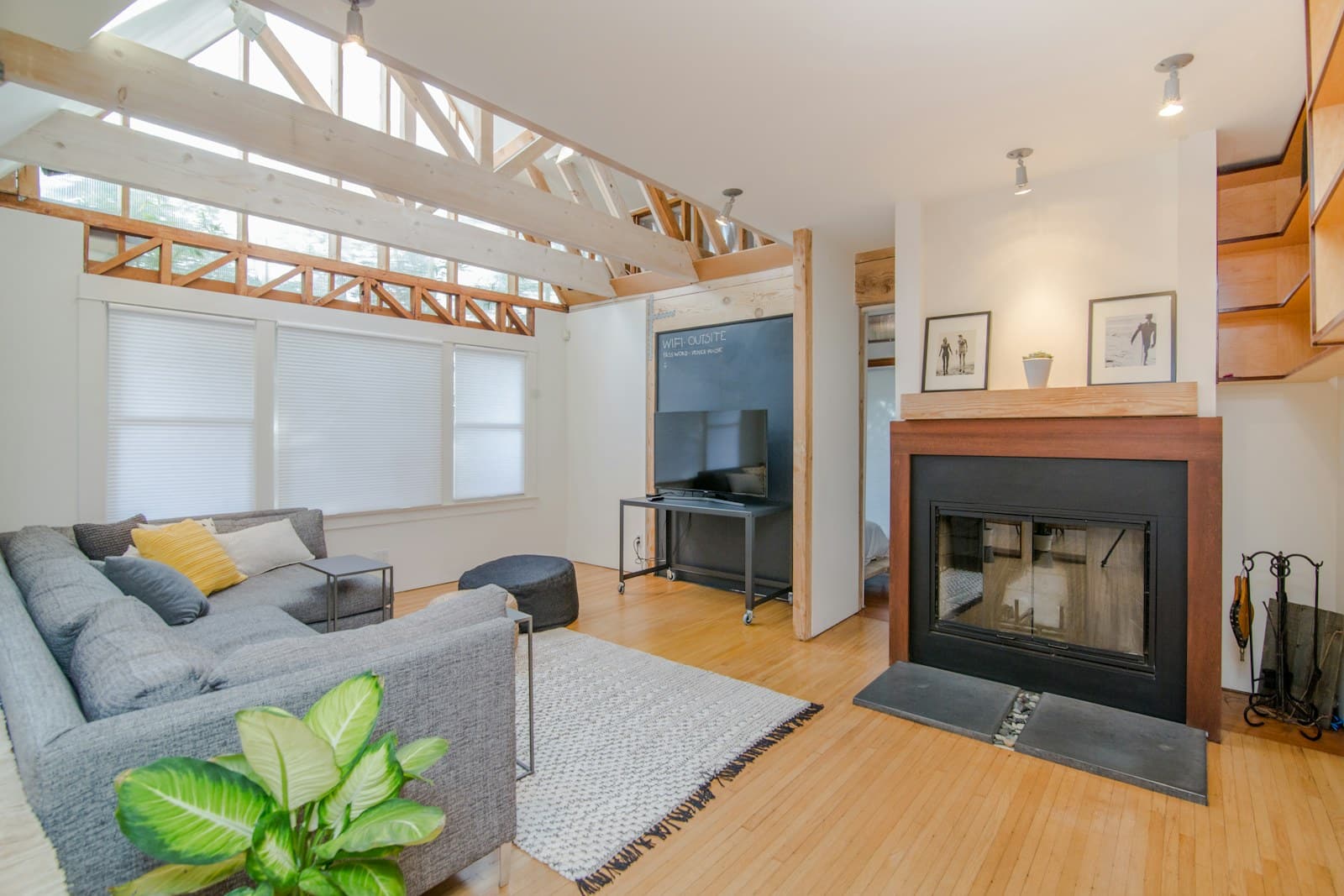
The room needs to do several jobs. In the afternoon it is a work area; at dinner it becomes a place to relax; late at night someone wants enough light to find a book without lighting the entire apartment. Smart lighting can make those transitions easier, provided the controls remain obvious to everyone who lives there.
Start with the room’s ordinary lamps rather than a wall of colorful effects. A useful scene combines placement, brightness, and a convenient way to activate it. The products below are examples to investigate using manufacturer information. We have not measured their output, color accuracy, or everyday connection reliability.
Decide whether you need a bulb, plug, or switch
A smart plug is often enough when the goal is simply turning a lamp on and off. A smart bulb becomes useful when you want dimming or adjustable color temperature. A hardwired smart switch can control a conventional fixture, but wiring compatibility, landlord permission, and qualified installation may be necessary.
Think about what happens when a person uses the existing wall switch. Cutting power to a smart bulb can make it unavailable to its app or routines. The household needs a clear physical control, whether that is a compatible remote, button, or appropriately installed switch solution. A sticky note saying “do not touch” is a sign that the setup needs improvement.
Three ecosystems, three starting questions
| Product family | A practical reason to consider it | Check before committing |
|---|---|---|
| Philips Hue starter kits | You want to build several coordinated lighting scenes | Included bridge, bulbs, controls, and platform support |
| Nanoleaf Smart LED Bulbs | You want to evaluate connected everyday lighting | Regional fitting, connection protocol, and controller requirements |
| IKEA lighting with DIRIGERA | You want room lighting and physical controls from one range | Compatibility of every bulb and remote |
Philips Hue: price the room rather than one bulb
Philips Hue starter kits are a sensible starting point when you intend to coordinate multiple lights. Compare kit contents carefully. A bulb count alone does not tell you whether the package includes the bridge or physical controls needed for the setup you have in mind.
This route suits a living room that needs several repeatable scenes and a household willing to maintain a lighting ecosystem. It can be excessive for a single cupboard light or a lamp that only needs a timer. Check the exact bulb shape, fitting, and supported features before assuming a favorite fixture can join the system.
If warm-to-cool white lighting solves the room’s needs, do not automatically pay for full color. Colored accents can be enjoyable, but they are optional when the practical goal is comfortable reading or a quieter evening atmosphere.
Nanoleaf Smart LED Bulbs: the model details matter
Nanoleaf Smart LED Bulbs are worth investigating when you want everyday connected lighting. Select the correct region, bulb fitting, and electrical requirements before comparing features. Read the exact model’s connection protocol and supported platforms rather than treating the product-family name as a single compatibility promise.
This range suits someone who already understands which controller and network their chosen bulb will use. It is less suitable for a quick impulse purchase when the required supporting hardware is unclear. Confirm whether your exact model requires Thread infrastructure, uses Wi-Fi, or has other setup requirements; do not assume every Nanoleaf bulb uses Thread. Check which functions remain inside the manufacturer’s app.
Do not buy decorative panels when the problem is a dim reading corner. A well-positioned ordinary lamp with the correct bulb can be a more useful improvement and easier to move between homes.
IKEA: build around everyday controls
The DIRIGERA hub provides a route into compatible IKEA smart lighting. The appeal is choosing bulbs, controls, and other supported products with a room-level plan. Check each item’s product instructions and hub compatibility; familiar packaging is not a substitute for the actual model details.
It makes sense for renters or families who want a straightforward group of lights and accessible controls. It is less compelling when you already own a functioning system and would be adding another hub merely to use one discounted bulb. Consider the cost of the complete room and the convenience of replacement parts.
Make two scenes work before adding ten
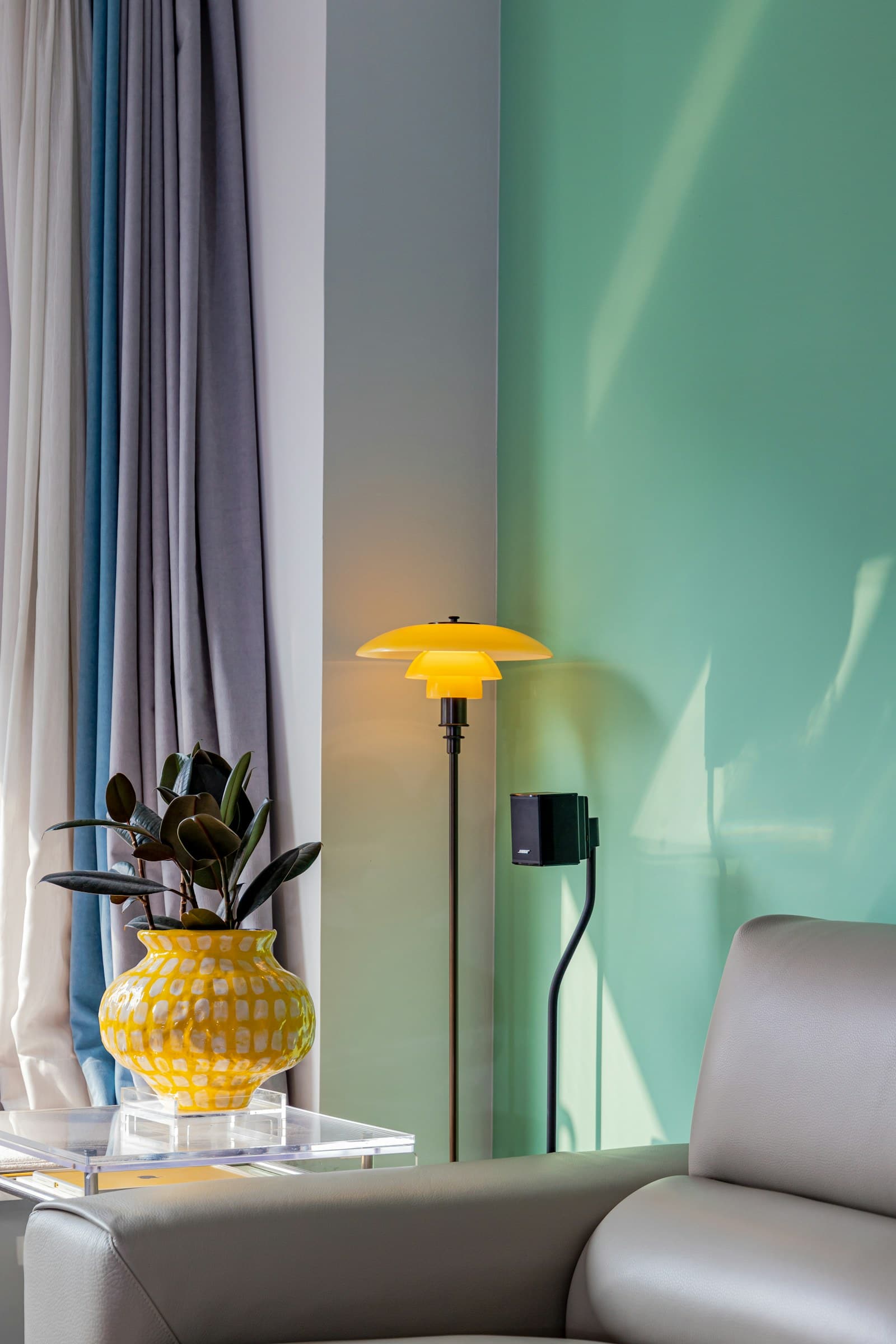
Start with an everyday scene that lights the useful surfaces and an evening scene that reduces glare. Place lamps so the light reaches a page or worktop without shining directly into your eyes. A dimmable bulb cannot repair poor placement or an uncomfortable shade.
Try the controls with everyone in the household. A scene should be available without searching through an app, and guests should still find a clear way to turn on the room. Keep a recovery plan for network or hub problems, following the manufacturer’s instructions for manual operation.
Lighting accounts and schedules can reveal routines. Review sharing permissions, software updates, and cloud integrations, and remove services you no longer use. Before moving, save setup information and unlink any devices you leave behind. For a simpler first experiment, see our guide to starting a smart home with one lamp.
FAQ
Can I use a smart bulb with an existing dimmer?
Do not assume compatibility. Follow the bulb manufacturer’s guidance; conventional dimmers can interfere with smart bulbs. Ask a qualified electrician about any necessary wiring changes.
Does every room need color lighting?
No. Adjustable white light or simple dimming may cover the useful scenarios. Buy color for an actual preference, not because a starter kit makes it look compulsory.
Will lights work without the internet?
That depends on the system, controller, and action. Check local control and outage behavior for the exact products, and keep usable physical controls as part of the design.