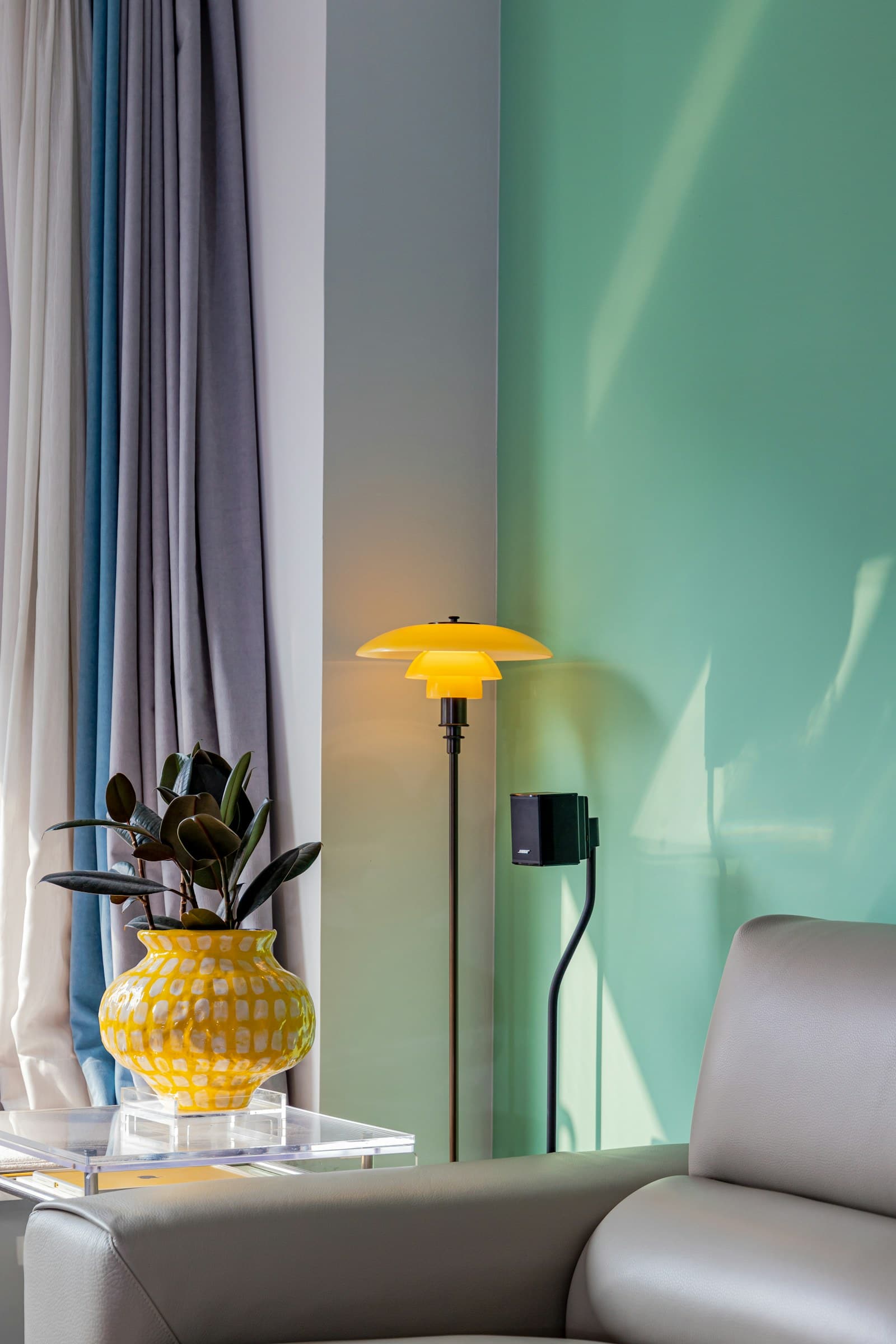
A useful smart home begins with an ordinary annoyance. Perhaps the living-room lamp sits behind the sofa, or you return after dark with groceries in both hands. Solving that single problem is a better first purchase than assembling a shopping cart of cameras, speakers, and sensors that all need different accounts.
For a renter, portability matters as much as convenience. Start with devices that plug into existing outlets, preserve manual controls, and can leave with you. The recommendations below are based on manufacturer product information and practical setup considerations; they are not hands-on performance reviews.
Decide what should happen without your phone
Write down one desired action: the reading lamp turns on before sunset, the bedroom light dims for winding down, or a familiar button switches off the living room. Then decide how someone else in the home will override it. A visiting relative should not need your account password to turn on a lamp.
A smart plug usually suits a lamp with a physical switch that stays in the on position. It does not make every appliance safe to automate. Check the appliance instructions and the plug’s permitted electrical load, and avoid treating heaters, cooking equipment, or essential medical devices as experiments. A smart bulb makes sense when dimming or color temperature is the actual goal.
Three sensible starting points
| Starting point | Best fit | Tradeoff to consider |
|---|---|---|
| Eve Energy | A household deliberately building around Matter and Thread | Requires a compatible controller and Thread infrastructure |
| TP-Link Kasa EP25 | A straightforward Wi-Fi plug for an ordinary lamp | App accounts and platform support need checking |
| IKEA DIRIGERA | A household adding several compatible lights and controls | A separate hub adds cost and setup |
Eve Energy: choose the network before the plug
Eve Energy is worth considering when you want a Matter-enabled smart plug and understand the difference between a controller and a Thread border router. Those roles can coexist in a compatible home hub, but the exact device and software version matter. Confirm the requirements for the version sold in your country before ordering.
This approach suits someone planning a coherent system across several rooms. Skip it if your goal is simply to schedule one lamp and you do not want to buy supporting hardware. A low-priced device becomes an expensive starting point if its required infrastructure is missing.
Kasa EP25: a familiar Wi-Fi route
The Kasa EP25 is a useful product to investigate if you prefer a Wi-Fi plug and conventional app-based setup. Read the current regional listing for electrical compatibility and supported smart-home services. Similar-looking Kasa model names do not guarantee identical features.
It fits a household comfortable maintaining a vendor account and home Wi-Fi. It is less appealing if your priority is avoiding additional cloud services or if your router already struggles with connected devices. Begin with one unit rather than committing to a multipack before checking the setup process.
DIRIGERA: think in rooms
IKEA DIRIGERA offers a hub-centered route for compatible IKEA smart products. The attraction is building lighting and controls as a group, rather than collecting unrelated gadgets. Verify compatibility for each bulb, remote, or sensor separately.
It makes sense when several rooms will use the same product family. For a single bedside lamp, the hub may be unnecessary overhead. Check which integrations and features are available in your market instead of assuming every advertised ecosystem works identically.
Keep accounts and everyday use manageable
Give devices names that describe location and purpose, such as “sofa lamp,” rather than their product codes. Enable available account protection, install updates, and check household sharing settings. Device activity can reveal routines even when the device has no camera or microphone.
Keep setup codes and purchase records somewhere you can find them during a move. Before selling a device, remove it from associated accounts and follow its reset instructions. A factory reset and an account unlink are not necessarily the same action.
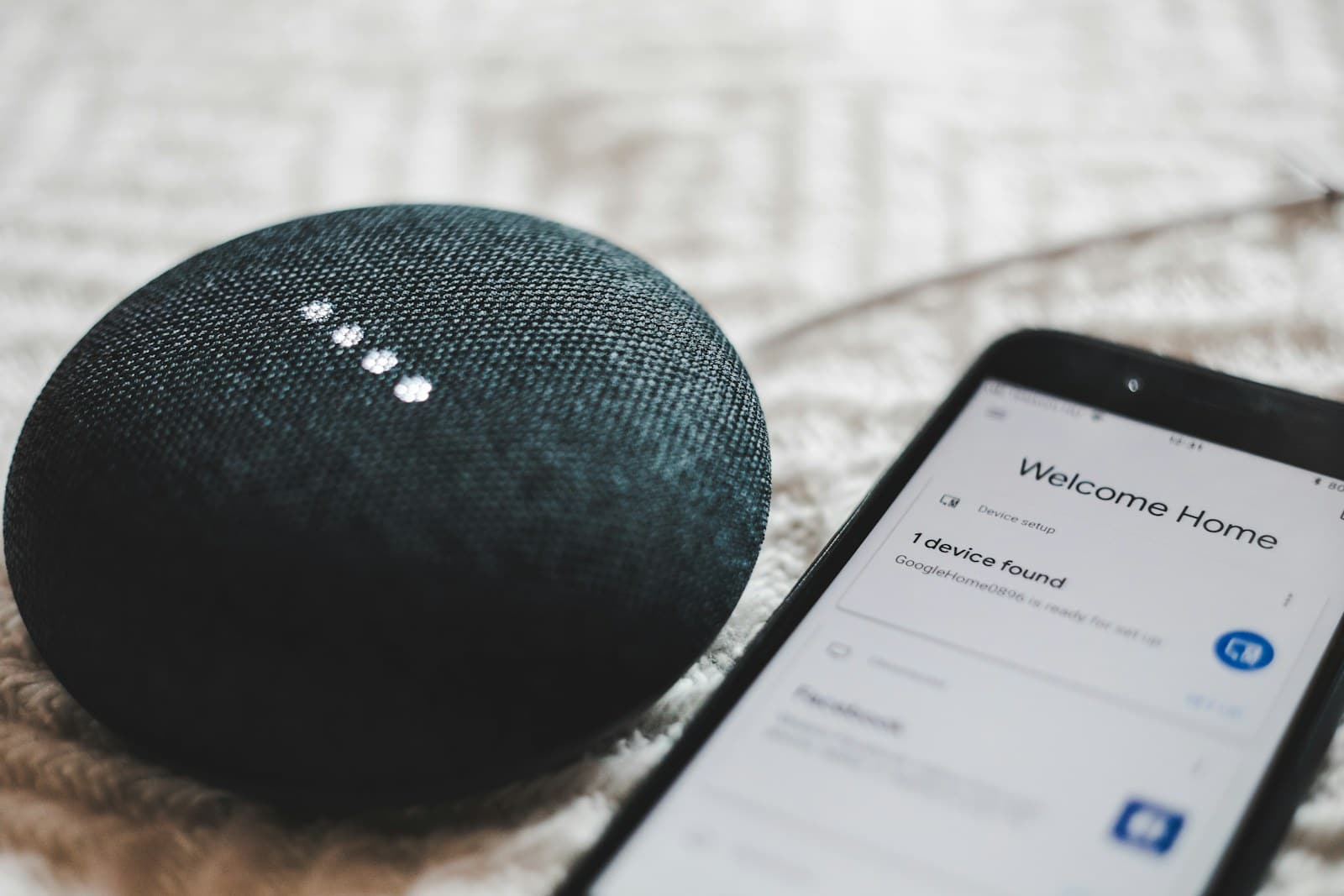
Do not buy a voice assistant just to justify a smart plug. A reliable schedule and an accessible physical control often solve the problem more quietly. If devices disconnect repeatedly, improve the home network before adding more automation.
FAQ
Does Matter mean every feature works everywhere?
No. Matter can simplify basic interoperability, but device functions, controller support, and advanced settings still vary. Check the exact combination of product, platform, and software.
Can a renter install smart switches?
Hardwired changes can require permission and qualified installation. Plug-in products are usually the simpler starting point, but read the lease and respect shared electrical systems.
What should the second purchase be?
Repeat a setup that already works or add a convenient physical control. Expand only after everyone in the household can use the first device comfortably.