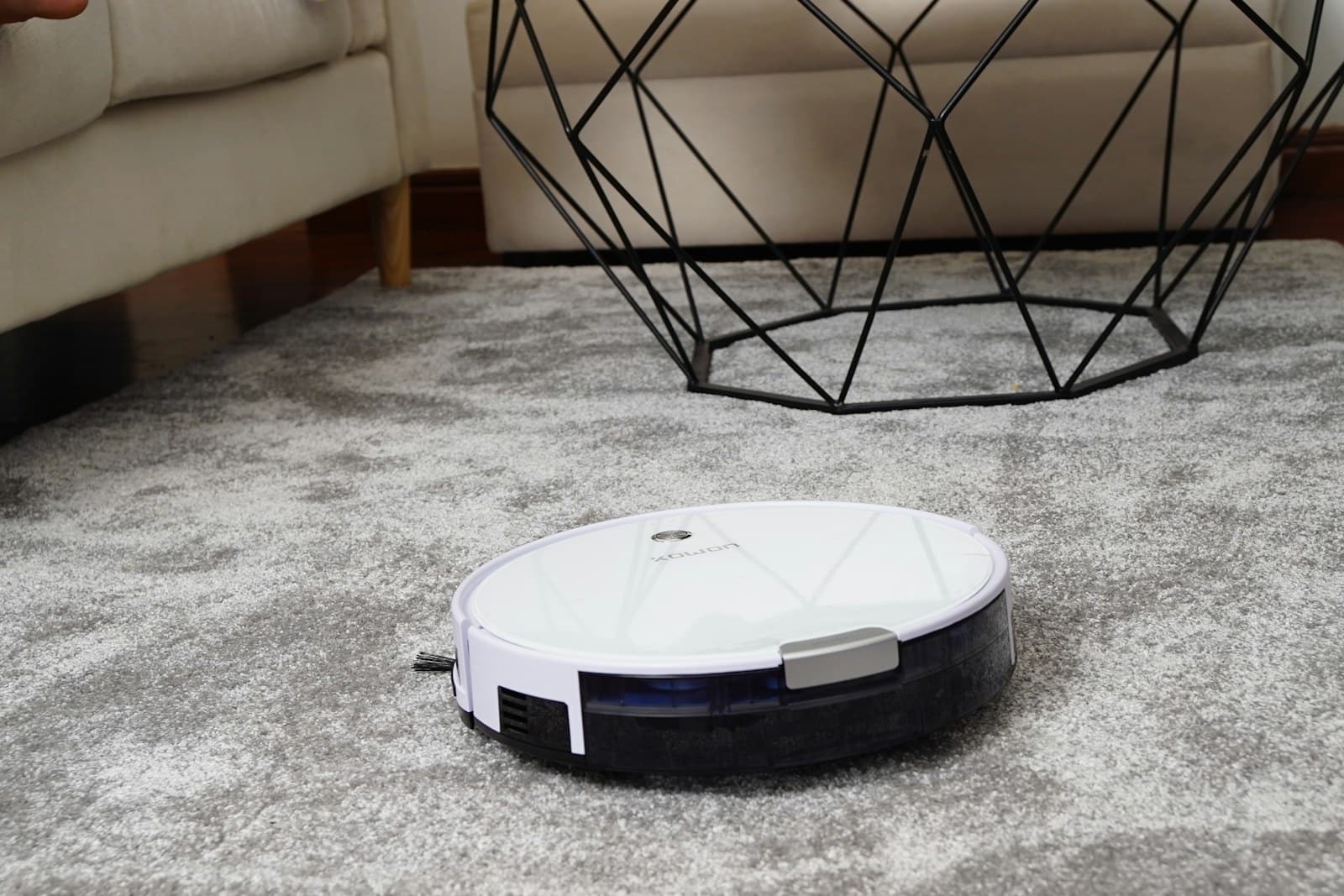
The appealing version of a robot vacuum is a clean floor that happens while you are out. The ordinary version includes a charging dock, chair legs, charging cables, pet toys, and a brush that needs untangling. Buying well means deciding which of those chores you want to reduce and which ones you are prepared to keep.
A robot is most useful for regular maintenance between deeper cleans. It does not replace every attachment on a conventional vacuum, reach every staircase, or remove the need to clear a floor. This guide uses manufacturer product information to explain purchase decisions; it does not claim hands-on cleaning results.
Walk the route before choosing the robot
Look at the floor from a low angle. Loose charging leads, lightweight mats, low furniture, and narrow chair gaps can matter more than a specification sheet. Decide where shoes and pet bowls will live during scheduled cleaning. Measure the proposed dock location and compare it with the clearance requirements in the product manual.
For a home with mostly hard flooring, a vacuum-and-mop model may address a daily need. A household with thick rugs, stairs, and scattered small objects should prioritize access and supervision. If you cannot consistently prepare the floor, spending more on automation may not deliver the improvement you expect.
Two product families worth investigating
| Product or family | A practical reason to consider it | Main question to resolve |
|---|---|---|
| Roborock Qrevo S | A combined vacuum-and-mop approach with a servicing dock | Can you accommodate the dock and water maintenance? |
| iRobot Roomba j-series | A starting point for comparing vacuum-focused and Combo options | Which exact robot and dock combination are you buying? |
Roborock Qrevo S: account for the whole station
The Roborock Qrevo S is one vacuum-and-mop model to research through Roborock’s robot-vacuum range. Check current regional availability and the exact model documentation. Study the dock as carefully as the robot. Water containers, removable parts, cleaning access, and the route to a sink all affect whether regular maintenance will be convenient.
It can make sense for a household with substantial hard flooring and somewhere permanent to place the station. It is less appealing for a cramped rental where the dock would block a walkway or require frequent relocation. Check carpet handling, cleaning solution guidance, and replacement consumables in the current manual before purchase.
Do not interpret an automated cleaning station as permission to ignore it. Dirty water and damp cleaning components need attention. If that routine sounds less convenient than quickly cleaning a small kitchen yourself, a simpler vacuum-only robot may be the better purchase.
iRobot Roomba: compare exact configurations
The Roomba range includes different approaches to vacuuming, mopping, navigation, and docking. The Roomba j9+ and Roomba Combo j9+ illustrate why the full product name matters: similar labels can describe different cleaning systems. Confirm the exact model’s specifications and current support before ordering.
A vacuum-focused configuration is worth considering when crumbs, dust, and pet hair are the main problem and you prefer to mop separately. A Combo option deserves a closer look when hard-floor cleaning is a regular task. Neither is an automatic recommendation for every mixed-floor home; compare the handling of your actual rugs and thresholds.
This family is less compelling if the available replacement parts, app requirements, or maintenance costs do not suit your household. Verify what the package includes rather than assuming every retailer bundle contains the same dock and accessories.
The costs that do not appear on the first screen
Brushes, filters, bags, and mop pads are part of ownership. Look for official replacement listings before buying the robot, and check how the manufacturer explains routine cleaning. A product is easier to live with when common parts are identifiable and accessible.
Consider sound as a scheduling question, especially in an apartment or during video calls. A self-emptying cycle may be more disruptive than ordinary cleaning. Check the available scheduling controls rather than assuming that a quiet-hours preference suppresses every operation.
Save money by buying for the floor you have. If mopping is not useful, an elaborate water station may add maintenance without solving a problem. If stairs divide the home, remember that a robot will need carrying or a separate cleaning plan. Keep a conventional vacuum for upholstery and awkward edges.
Maps deserve the same care as cameras
Connected cleaning systems may store maps, cleaning history, and account information. Read the current privacy policy and determine which features require cloud access. Review household sharing and remote controls before giving anyone account access. If a model has a camera, check its stated purpose and data handling separately.
Keep firmware updated and remove the device from your account before selling it. Where supported, use room boundaries to protect delicate spaces, but do not rely on an app boundary as a safety barrier for dangerous objects or pet accidents.
FAQ
Is obstacle avoidance reliable enough to ignore the floor?
Treat it as assistance. Small cords, unexpected objects, and changing light can complicate navigation. Follow the manufacturer’s preparation instructions and supervise early runs.
Can it replace a normal vacuum?
Usually it is a maintenance companion. Stairs, furniture, crevices, and deep cleaning still need another approach, especially in homes with pets or several floor types.
What is the smartest first step?
Choose a dock location and make a realistic floor-preparation routine. If either is difficult, address that before comparing premium navigation features.