You do not need to replace a perfectly capable phone because a holiday is approaching. Often the more useful upgrade is a way to hold it steadily, enough charge to keep shooting, and a plan for preserving the pictures afterward. Those choices help whether you are photographing a family dinner, a rainy city street, or a quiet view from a rental apartment.
Start by identifying the photograph you struggle to make. Blurry evening pictures suggest a different solution from awkward group selfies. Running out of storage is not a lens problem. Buy an accessory only when it addresses a repeatable difficulty in your own routine.
Improve the ordinary shot first
Wipe the camera cover with an appropriate clean cloth, then look at the light before opening another shopping tab. A fingerprint can soften an image, and moving a person nearer a window can make more difference than adding a small light to your luggage.
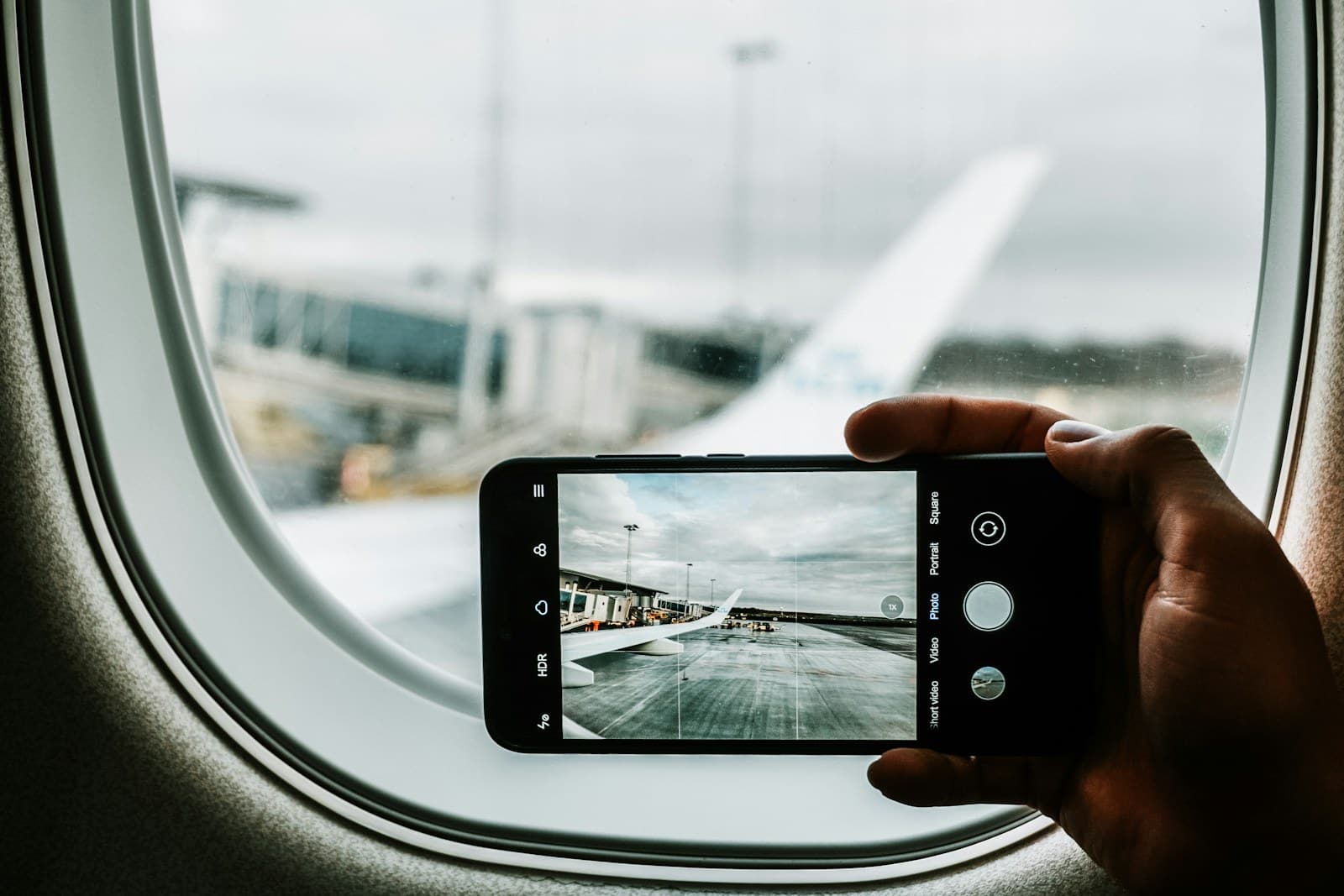
Use the phone’s native camera application and learn its basic controls before the trip. Practice choosing a focus point, adjusting exposure, and using a timer. Review the result at a useful size. An image that looks acceptable as a tiny preview may reveal an unexpected person, a tilted horizon, or a face in deep shadow when opened later.
Do not treat every zoom setting as optically equivalent. Camera behavior depends on the phone and conditions. When it is practical and safe, change your position and framing instead of relying entirely on magnification.
Buy a support for the photographs you miss
A small tripod is useful for a group photograph when you want everyone in the frame, or a quiet scene where a stable phone and a timer can help. It is less useful if you never stop long enough to set it up. Size matters because the best accessory is the one you carry when a picture appears.
The Peak Design Mobile Tripod is a product to investigate if a compact support fits your routine. Check the manufacturer’s compatibility information for the case, mounting method, and phone you intend to use. Do not infer a secure connection simply because two accessories use magnets.
Explore at Peak Design: Mobile Tripod
This approach suits cafe tables, hotel desks, and planned photographs from a stable surface. It is not a substitute for a full-height support when you need a particular camera position, and a very small base still depends on thoughtful placement.
Consider a clamp when your case changes often
The JOBY GripTight range offers another direction to investigate: a phone clamp used with a compatible support. Consult JOBY’s current GripTight catalog for the available model, included support, and supported phone dimensions. Check the fit with your case installed. A thick protective case or attached wallet can affect the fit.
Explore at JOBY: phone supports and accessories
A clamp can be useful when you do not want a dedicated case ecosystem. The trade-off is an extra step each time you mount the phone and another object to pack. Check that the grip avoids buttons and does not loosen while you compose. Never leave a phone perched over an edge simply to get a more dramatic angle.
Neither support guarantees a sharp photograph or a secure setup in wind, crowds, or moving vehicles. Follow the product’s instructions and use it on an appropriate surface. For travel with children, a support that takes too long to arrange may create more frustration than useful pictures.
Be selective about extra lenses and lights
Clip-on lenses can be interesting, but fit and alignment vary with the phone’s camera arrangement and case. Do not buy a kit solely because it includes many pieces. Look for explicit compatibility, a workable return policy, and examples that match the kind of pictures you want to take.
A small light makes more sense for planned video calls or close-up content than for casually photographing a distant landmark. If you normally travel light, begin with a support and the phone’s existing camera. Add equipment after a specific limitation becomes clear.
Protect the photographs you already made
Check free storage before departure and review how your chosen backup service behaves on mobile data and unfamiliar Wi-Fi. On an iPhone, Apple’s iCloud Photos guidance explains the synchronization model. Synchronization deserves care: deleting a photograph can affect the synced library, so understand the settings before clearing space.
For irreplaceable pictures, maintain another appropriate copy rather than treating a single device as the archive. Check that uploads have completed before resetting, replacing, or trading in a phone. Carry a charging arrangement that suits long walking days, and store the phone where rain and sand will not collect around its connectors.
Frequently asked questions
Will a tripod improve every picture?
No. It helps when stability and deliberate framing matter. Moving subjects, changing light, and poor focus still require attention.
Should I buy a camera instead?
Consider one when you have a clear need for different lenses, controls, or shooting capabilities and are willing to carry it. First understand what your phone is failing to deliver.
What should I buy first?
For most casual travelers, buy nothing until you have practiced with the existing phone. If group pictures are the consistent gap, a compatible compact support is a sensible first purchase.